
↗
10–20 Minute Processing
Our goal is to process your X verification request within about 10–20 minutes after payment verification.
X Premium Assist gives you a simple way to request X Premium verification. Choose your plan, complete payment and receive your Order ID so you can track your request.
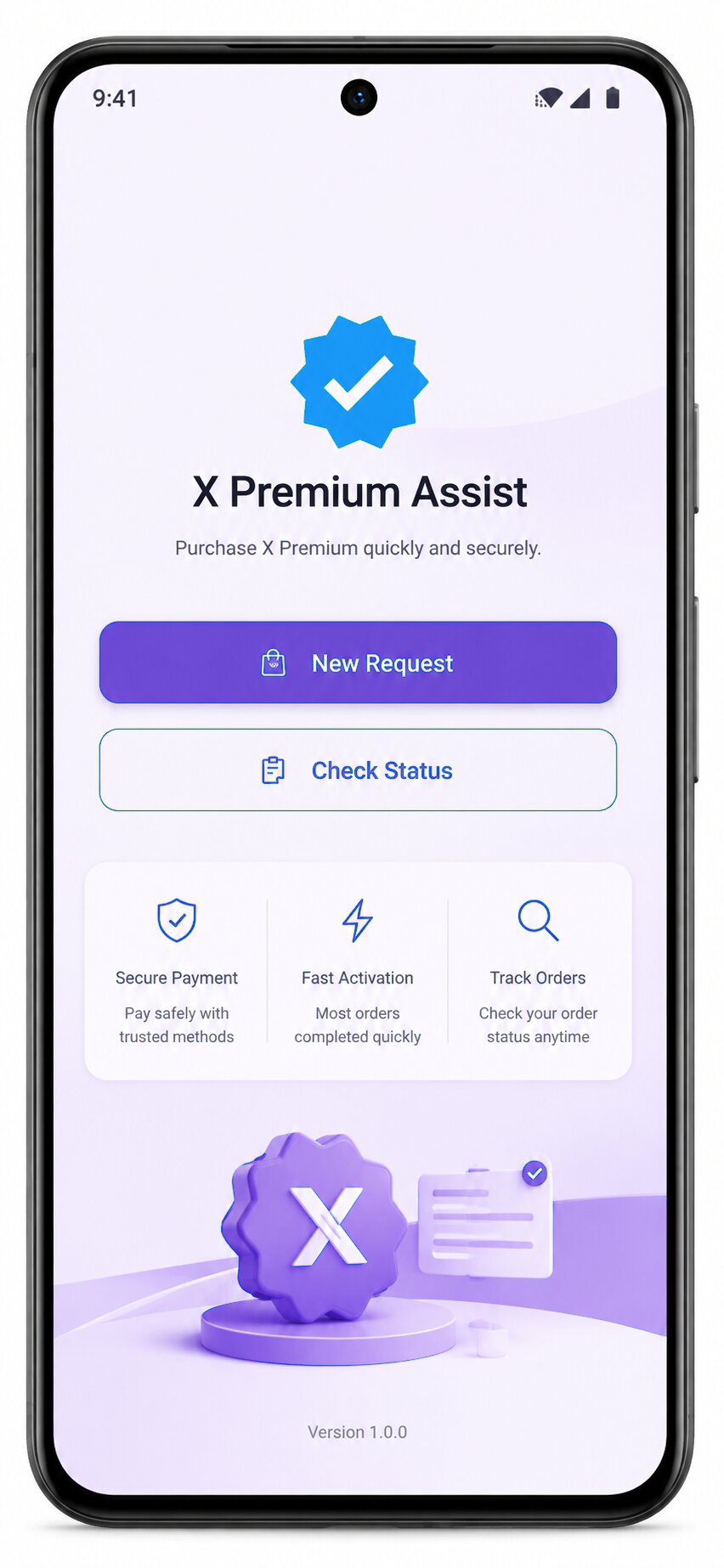
Pay. Get your Order ID. Get your X Account Verification.
No complicated account setup. Just choose your package, pay securely and track your request.
Our goal is to process your X verification request within about 10–20 minutes after payment verification.
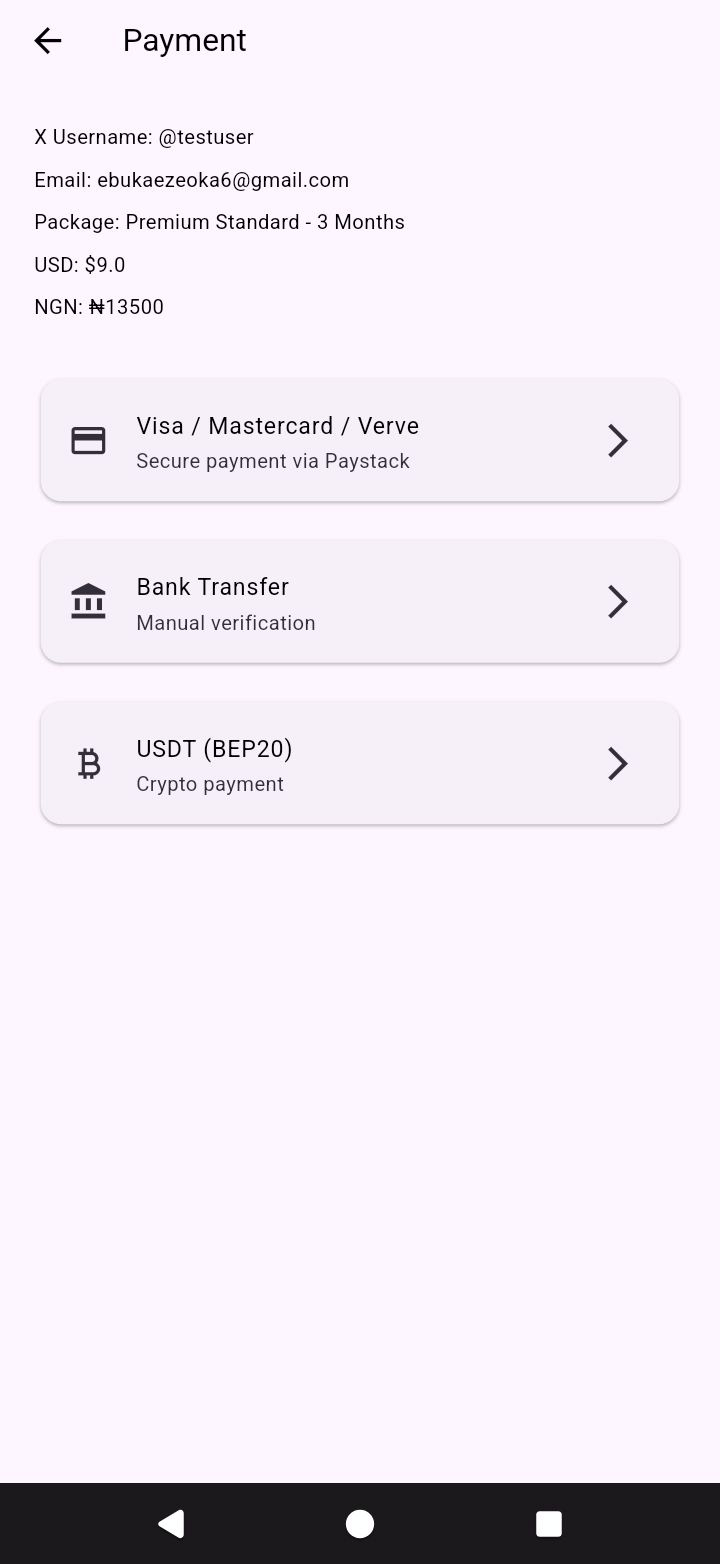
Pay through supported card, bank transfer or USDT options available in the app.
Every request gets an Order ID so you can check its status without creating a complicated account.
Open the app, enter your Order ID and see the latest status of your request.
Know whether your payment is pending, your request is being processed, approved or completed.
A clean workflow focused on one thing: getting your X Premium request processed quickly.
Install X Premium Assist on your Android device.
Select the X Premium package you want.
Pay using your preferred supported payment method.
Receive your Order ID and get your X Account Verification.
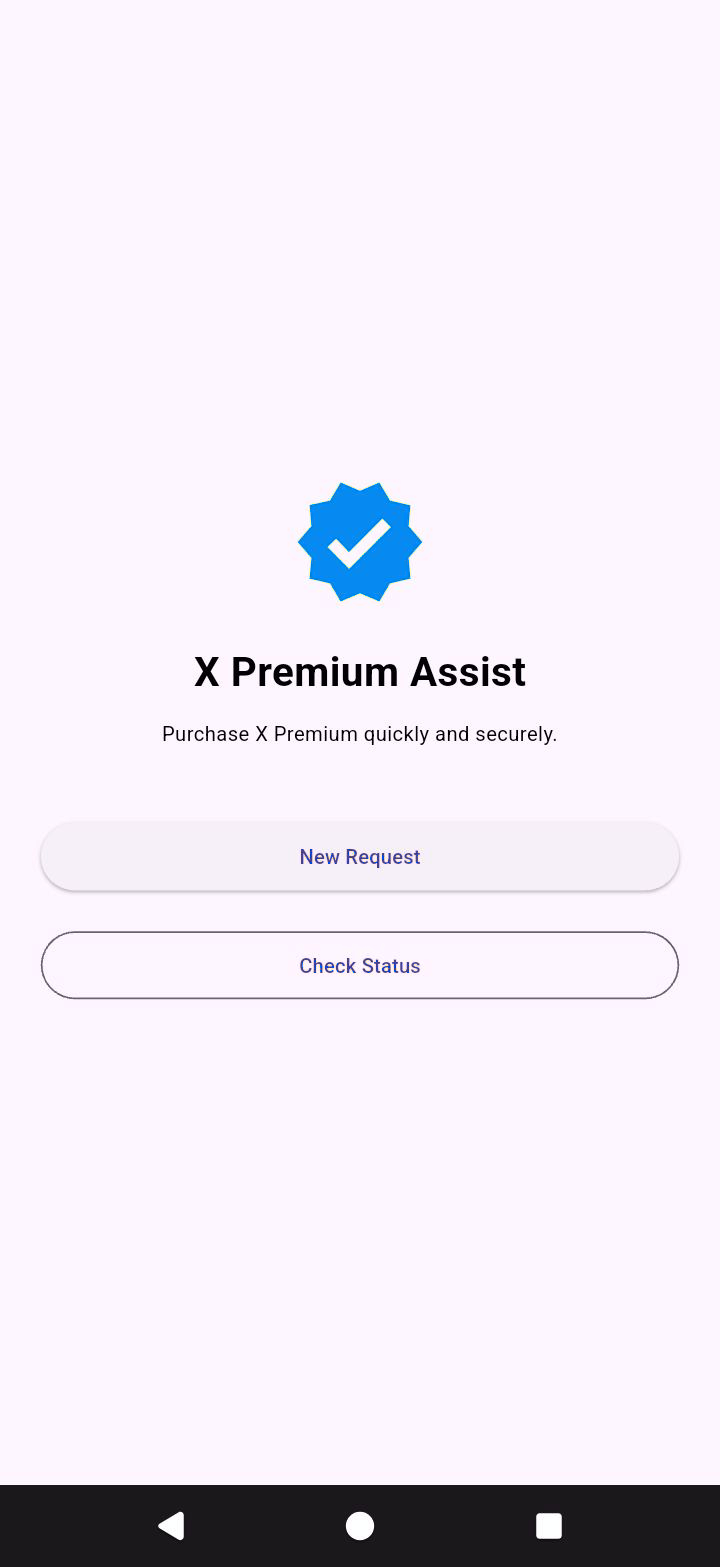
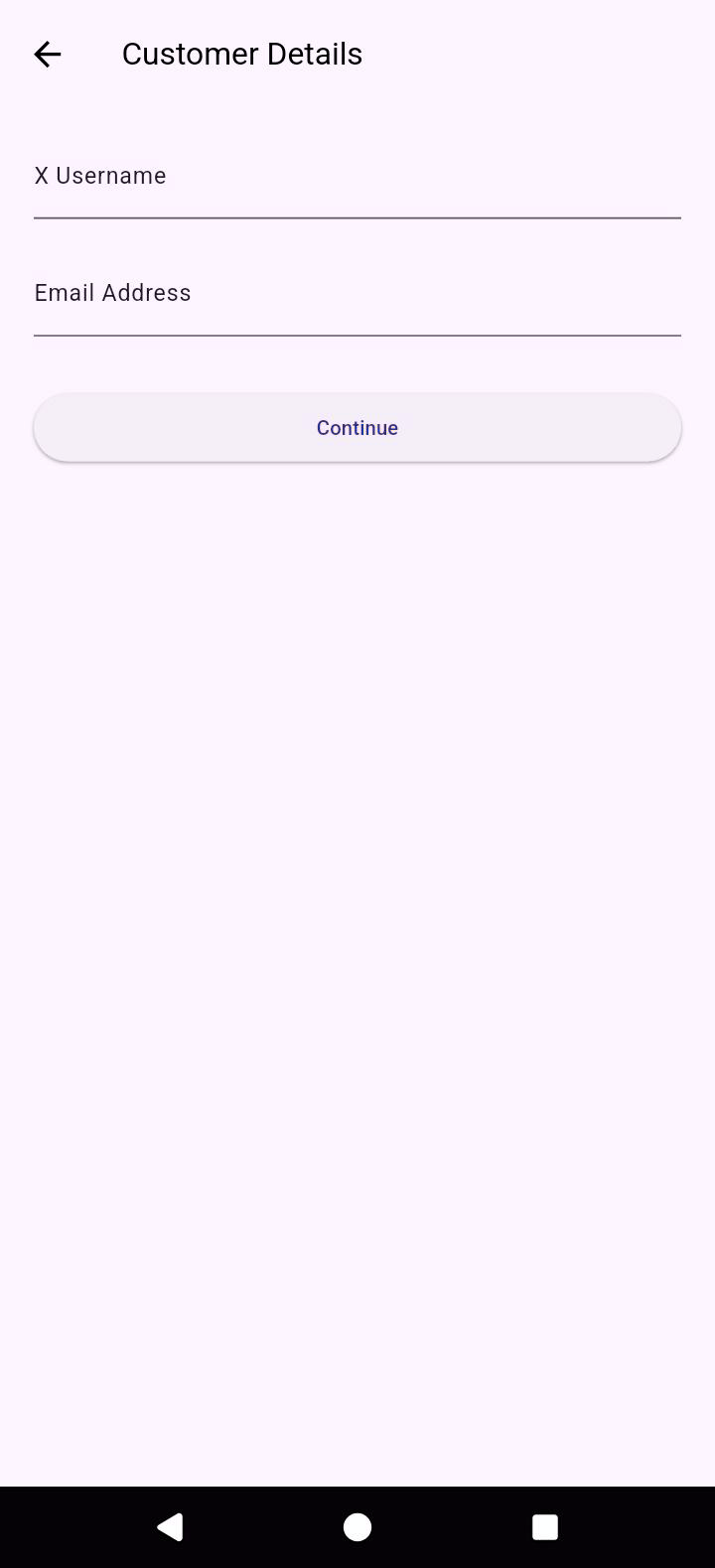
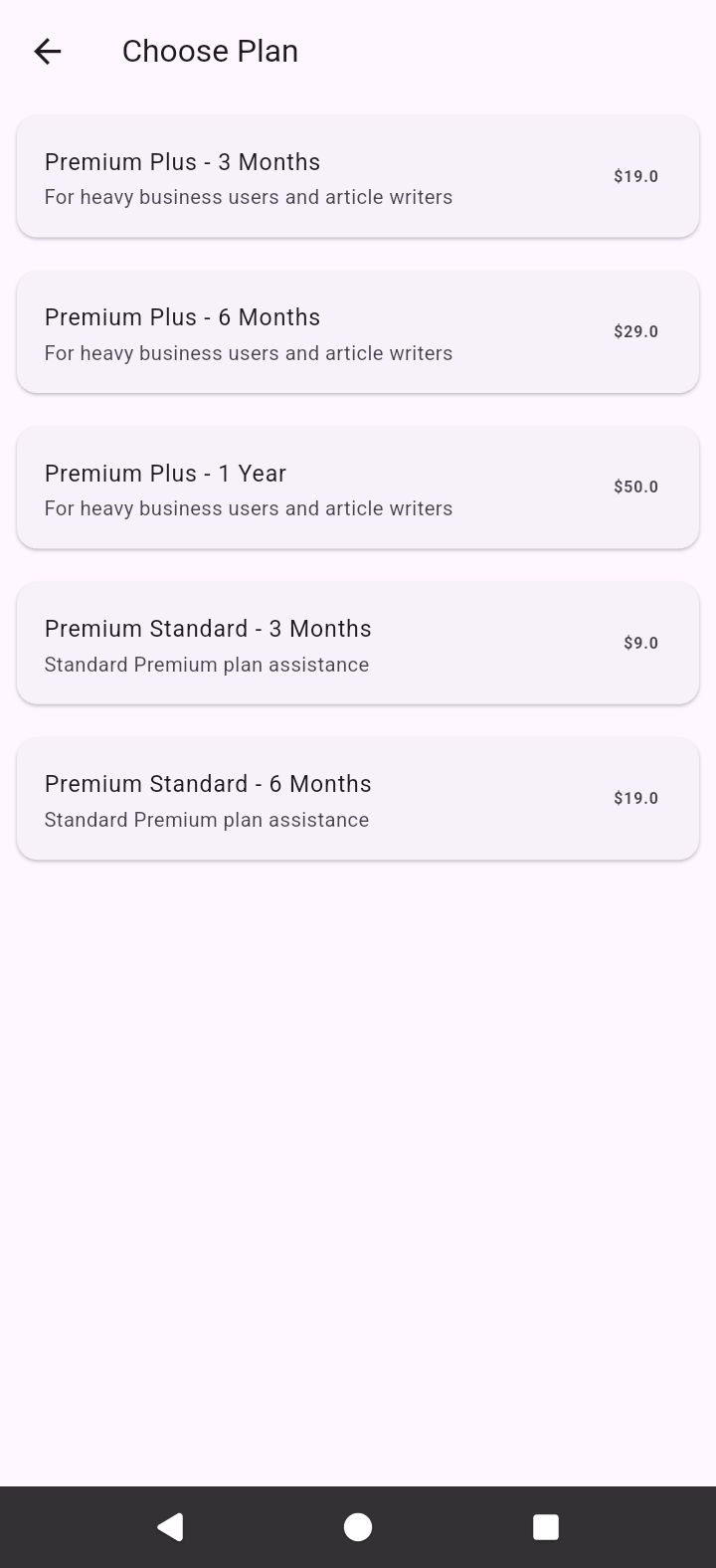
Download X Premium Assist, choose your package and start your request.
Pay in $Qubic. Email your transaction screenshot and your X Account username to xpremiumassist@gmail.com after payment confirmation.
Tap any question to open the answer.
Our target is approximately 10–20 minutes after your payment has been successfully verified. Processing can occasionally take longer if there is a payment or service delay.
After a successful payment, you receive an Order ID. Your request is then processed, and you can use that Order ID to track the status.
No. X Premium Assist is designed to keep the process simple. You mainly need your X username, the selected package and your payment details as required by the payment method.
Open X Premium Assist and use the Order ID you received after placing your request. The app will show the latest available order status.
The app supports card payments through Paystack, bank transfer and USDT (BEP20), subject to the payment options currently available in the app.
Supported card options include Visa, Mastercard and Verve through the Paystack checkout where available.
If a payment is unsuccessful, your request is not treated as successfully paid. You can try the payment again or contact support if you need help.
Your request moves into processing. The next step is simple: Get your X Account Verification. You can track the request with your Order ID.
Yes. Select Bank Transfer inside the app and follow the payment instructions shown there. Keep your payment evidence until your order has been confirmed.
Yes. The app currently provides a USDT BEP20 payment option. Always use the exact network and payment instructions displayed in the app.
If the order process did not provide an Order ID, please contact support before making another payment so we can help you confirm what happened.
Email us at xpremiumassist@gmail.com or visit our X account at @xpremiumassist .
No. X Premium Assist is an independent service and is not affiliated with, endorsed by, or sponsored by X Corp. or X.
Reach us directly. We will help you with your order or payment.